Search Docs
Search through documentation...

Quick Start
Three steps: a Radix-based shadcn project, one install command, one paste.
Measured on a clean machine, the whole path from create-next-app to a green
next build takes about 30 seconds.
1. Prerequisite
Prerequisite. Requires a shadcn project on the Radix library (
npx shadcn@latest init -b radix -p nova). The shadcn CLI default, Base UI (init -d, presetbase-nova), is not supported yet — the blocks fail to typecheck on it.
Starting from nothing:
npx create-next-app@latest my-app --ts --tailwind --eslint --app --src-dir --import-alias "@/*" --yes
cd my-app
npx shadcn@latest init -b radix -p nova
Already have a shadcn project? Open components.json: a "style" of
radix-… (or the pre-v4 new-york / default) works, base-… does not. If
you are on Base UI, see Type errors right after install
for the fix.
2. Install
One command installs the core data-table block (table engine, memory store
adapter, all 4 filter types) and data-table-schema (the schema system,
including DataTableAuto):
npx shadcn@latest add https://data-table.openstatus.dev/r/data-table.json https://data-table.openstatus.dev/r/data-table-schema.jsonThe CLI resolves the shadcn primitives the blocks need, rewrites @/ import
paths to match your components.json, and injects the CSS variables.
3. Render
Paste this into a page — for example src/app/page.tsx:
import { DataTableAuto } from "@/components/data-table/data-table-auto";

const data = [
  {
    name: "Alice",
    role: "admin",
    rating: 5,
    created_at: "2026-01-15T10:00:00Z",
  },
  { name: "Bob", role: "user", rating: 3, created_at: "2026-02-20T14:30:00Z" },
];

export default function Page() {
  return <DataTableAuto data={data} />;
}
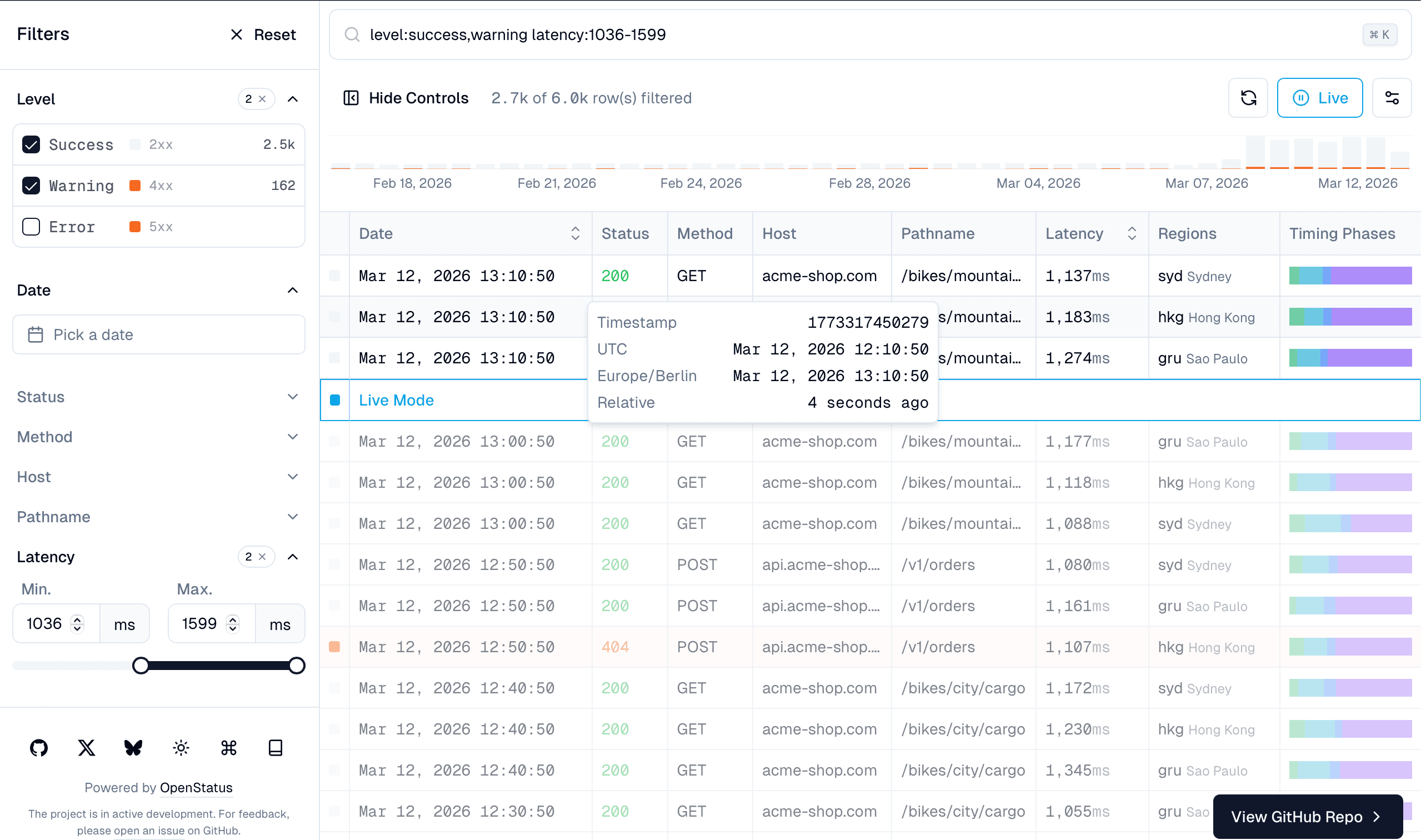
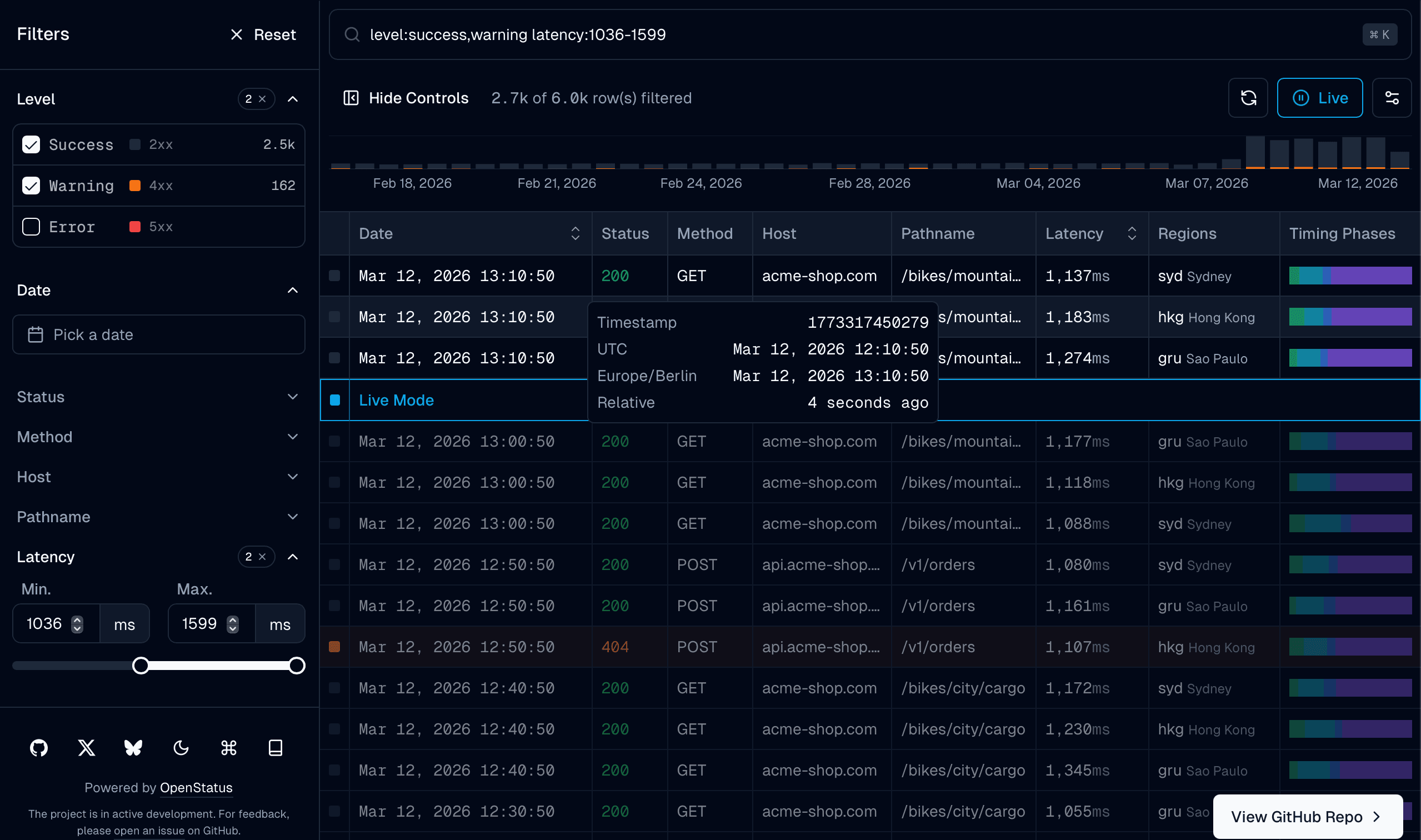
Columns, filters, display types, and cell renderers are auto-inferred from your data, and the command palette and row detail sheet come along. See the /auto example for a live demo.
You own the files
There is no data-table-filters package in your package.json — only the
blocks' own dependencies (TanStack Table, cmdk, and friends). The blocks landed
as source under src/components/data-table/ and src/lib/. Edit them like any
other file in your repo. When the inferred table is not enough, eject to the
Builder or define a Table Schema by hand.
Agent Skill
Install the plugin in Claude Code:
/plugin marketplace add openstatushq/data-table-filters
/plugin install data-table-filters@openstatus
Or install the skill with any agent that supports the skills CLI:
npx skills add https://github.com/openstatushq/data-table-filters --skill data-table-filtersLet the agent handle the rest:
Add a data table with filters to my project
It detects your stack (and stops if the project is on Base UI), installs the
right blocks, and wires them up. For agents without the skill, see
For AI Agents — llms.txt, raw markdown docs, and Cursor rules.
Blocks
Every block installs with the same command:
npx shadcn@latest add https://data-table.openstatus.dev/r/<block>.json| Block | Install URL | What it adds |
|---|---|---|
data-table | data-table.json | Core: table engine, store, 4 filter types, memory adapter |
data-table-schema | data-table-schema.json | Declarative schema system with col.* factories and DataTableAuto |
data-table-cell | data-table-cell.json | Cell renderers: badges, bars, heatmaps, status codes, timestamps |
data-table-sheet | data-table-sheet.json | Row detail side panel |
data-table-filter-command | data-table-filter-command.json | Command palette with history and keyboard shortcuts |
data-table-nuqs | data-table-nuqs.json | nuqs URL state adapter |
data-table-zustand | data-table-zustand.json | zustand state adapter |
data-table-drizzle | data-table-drizzle.json | Drizzle ORM server-side helpers |
data-table-query | data-table-query.json | React Query infinite query integration |
data-table-filter-command-ai | data-table-filter-command-ai.json | Natural language → filter inference |
data-table-mcp | data-table-mcp.json | MCP server endpoint for AI agents |
data-table-actions | data-table-actions.json | Row and bulk actions rendered from server metadata |
data-table-remote | data-table-remote.json | Headless table that renders from an API endpoint's manifest |
Looking to add natural language filtering? The
data-table-filter-command-aiblock translates queries like "5xx errors last 24h" into structured filters using any LLM. See AI Filters for setup.
Next Steps
- Browse the /infinite demo to see all components in action
- Learn about the Table Schema builder for type-safe column definitions
- Explore the UI Components available out of the box
- Rows live in Postgres? Follow Drizzle ORM for server-side filtering, facets, and cursor pagination